Trade In Your Old Phone: 6 Easy Ways to Get More Credit
Trade in your old phone for a certified used iPhone or Samsung: how trade-in credit works and 6 simple ways to get more for your device.
By Hamzah AnwarOwner of BuyCellFix and BuyCellTrade
Published November 8, 2026 · Updated November 19, 2026 · 5 min read
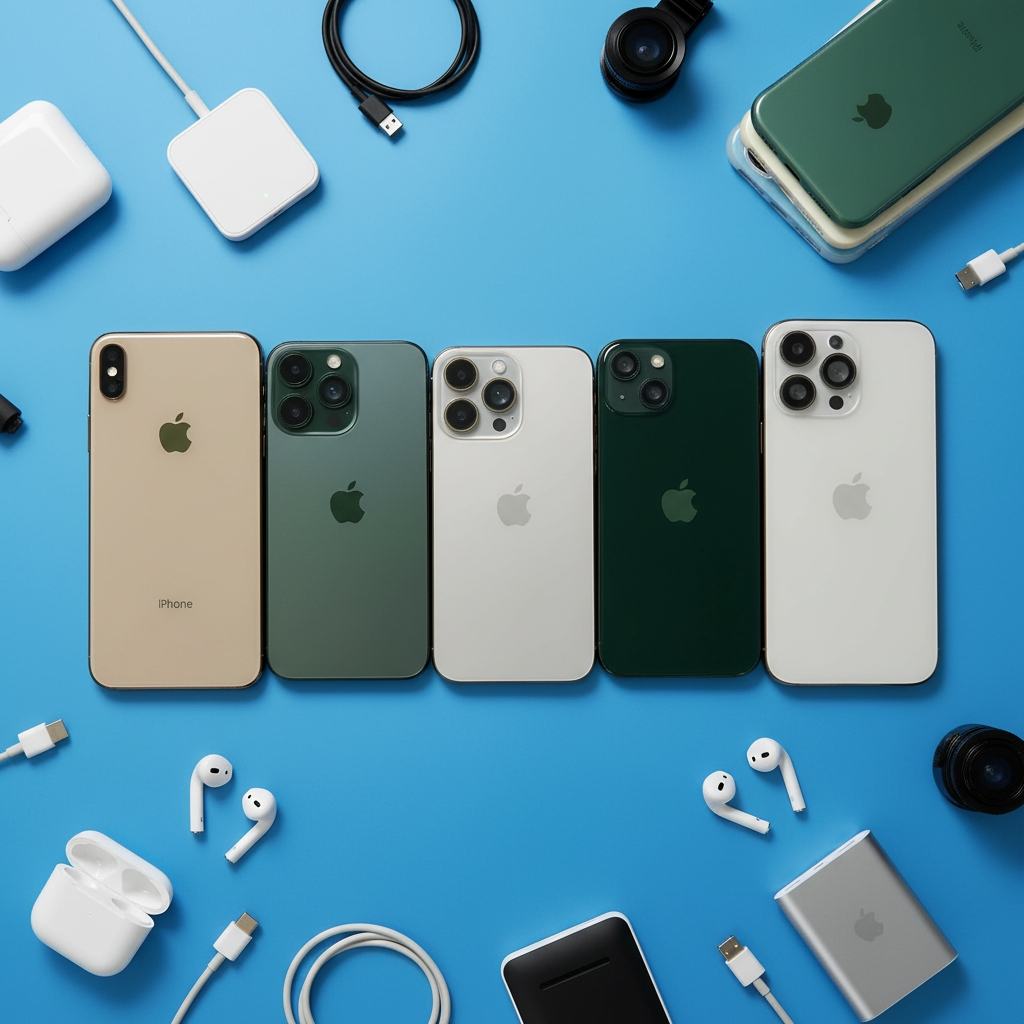
Want a newer phone, but not at new-phone prices? When you trade in your old phone, you often get the best deal on a better device. Instead of selling the old one on one side and buying the new one on the other, you do it all at one counter, and your device's value comes straight off your purchase.
Here's how trade-in credit works at BuyCellTrade, and six simple ways to get the most out of it.
Contents
- How trade-in credit works
- Trade-in or cash: what's the difference?
- 1. Get an estimate before you come in
- 2. Trade in before the device wears further
- 3. Remove the iCloud or Google lock
- 4. Clean the device
- 5. Bring the original accessories
- 6. Don't hide defects
- Which devices can you trade in?
- FAQ
How trade-in credit works
It's simple:
- Bring your old device to the store, with photo ID.
- We inspect it in front of you, in under 5 minutes.
- We offer you trade-in credit, higher than the cash offer.
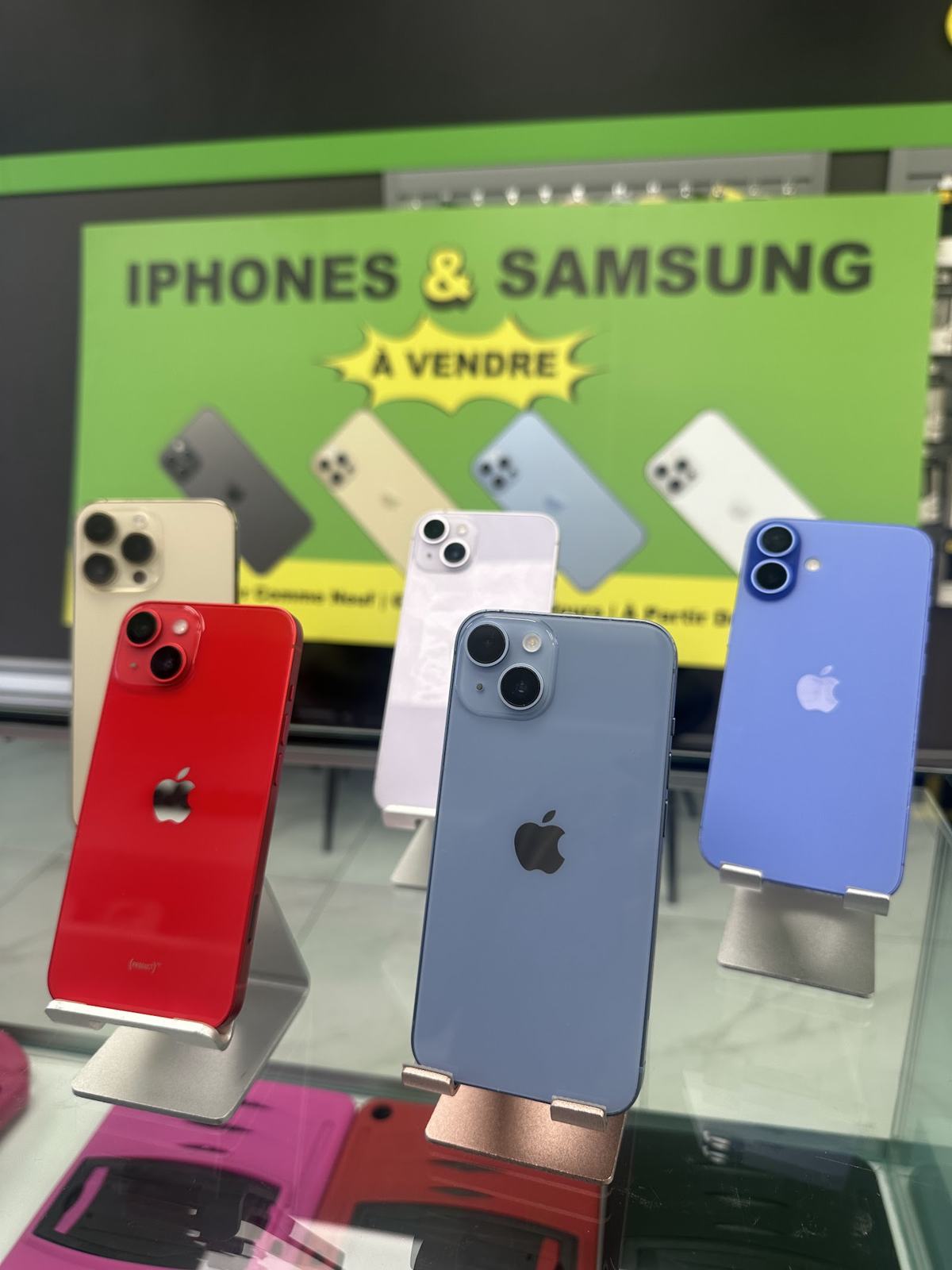
- You pick a device from our inventory.
- You pay only the difference and leave with your new phone the same day.
Every device in the inventory is Phonecheck tested, unlocked for all carriers and covered by a 90-day warranty.
Trade-in or cash: what's the difference?
When you bring in a device, you always get to choose between two offers.
- Cash is handed to you on the spot. Ideal if you don't need another phone.
- Trade-in credit is worth more for the same device, but applies to an in-store purchase.
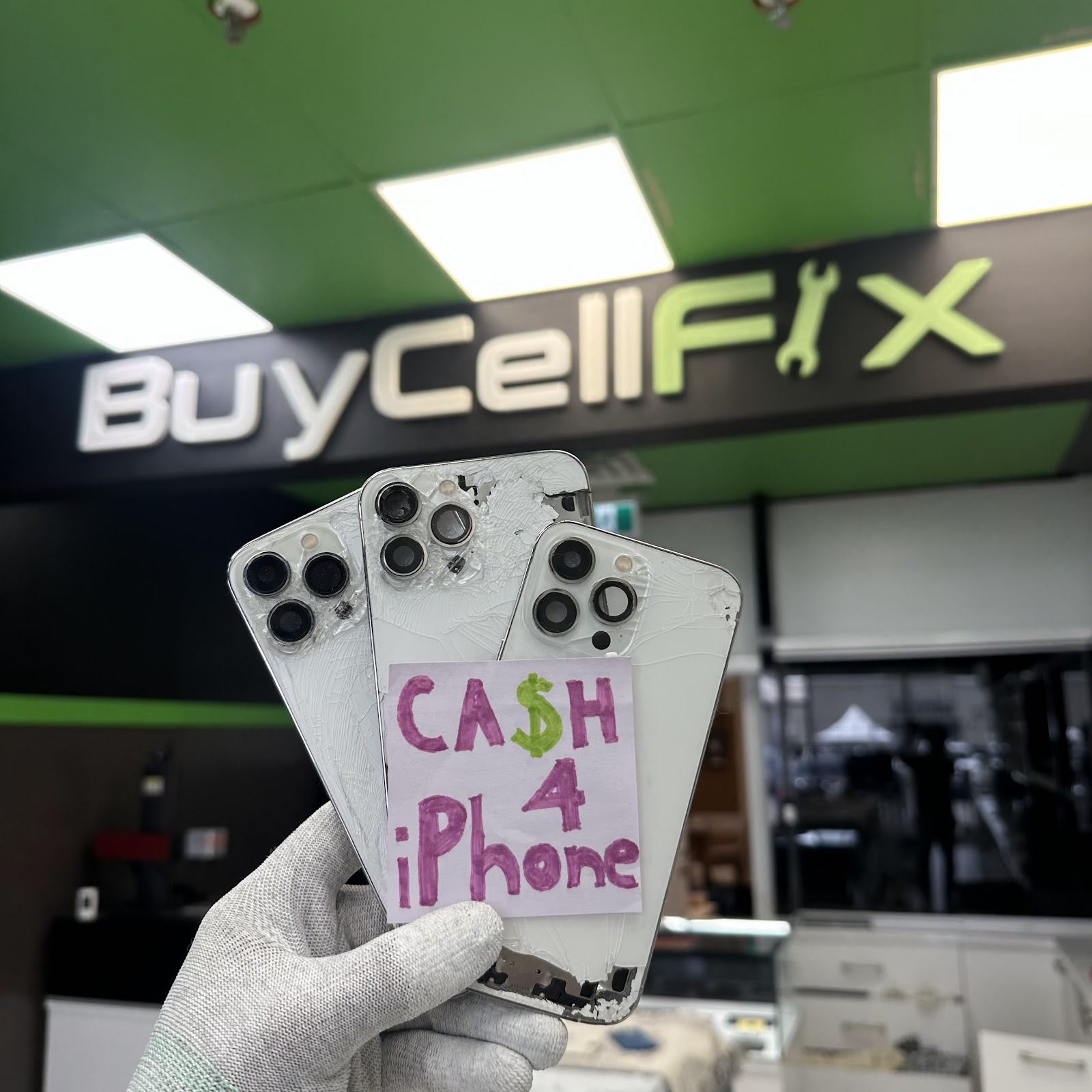
If you were going to buy another phone anyway, trade-in credit is almost always the better deal. Our trade-in calculator shows both amounts side by side, so you can compare before you go. Real examples from today are on our Trade in your phone page.
1. Get an estimate before you come in
In 30 seconds, the calculator gives you an offer for your iPhone based on model, storage and condition. The offer is honoured for 7 days in store, after an inspection that confirms the condition.
You know exactly how much credit you'll have and can pick the device you want ahead of time from the online inventory. From a model's page, you can even reserve it.
2. Trade in before the device wears further
A phone loses value over time, and faster after a new generation comes out. A fading battery or a small crack that spreads can also drop your device into a lower grade.
If you know you're switching phones, trading in sooner usually earns more than waiting until it stops working.
3. Remove the iCloud or Google lock
A device still tied to your account can't be traded in at full value.
- iPhone: Settings, your name, Find My, turn off Find My iPhone, then sign out of your Apple Account.
- Android: remove your Google account in Settings, Accounts, before resetting.
Apple details every step on its page What to do before you sell or give away your iPhone. Our guide to prepare your iPhone before selling also has the complete checklist.
4. Clean the device
It sounds simple, but a clean phone makes a better impression and inspects faster. Remove the case and screen protector, wipe the screen with a soft cloth and gently clean the charging port.
Dust in the port can even look like a charging problem during the inspection.
5. Bring the original accessories
The original box and cable aren't required, but they're appreciated. They show the device was well cared for and make it easier to resell.
And don't forget the essential: your photo ID, required for every trade-in or sale.
6. Don't hide defects
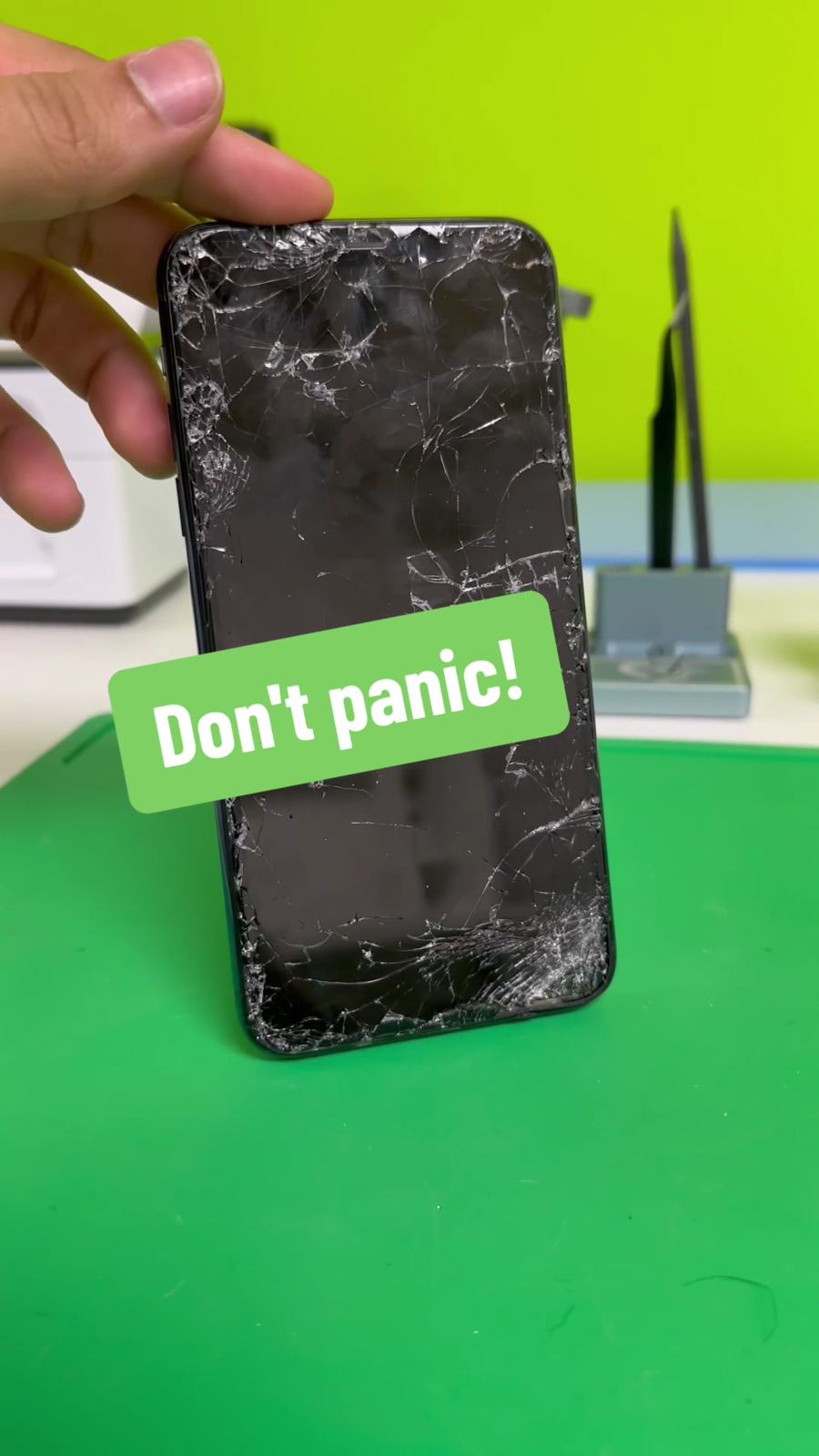
Cracked screen, Face ID that no longer works, weak battery: say so up front. The inspection will show it anyway, and being upfront saves time.
We accept devices in any condition, even ones that won't turn on. Our condition guide explains how we grade each device, from "like new" to "faulty".
Which devices can you trade in?
We accept as trade-ins:
- iPhones, many recent and older models.
- Samsung Galaxy phones.
- Google Pixel phones.
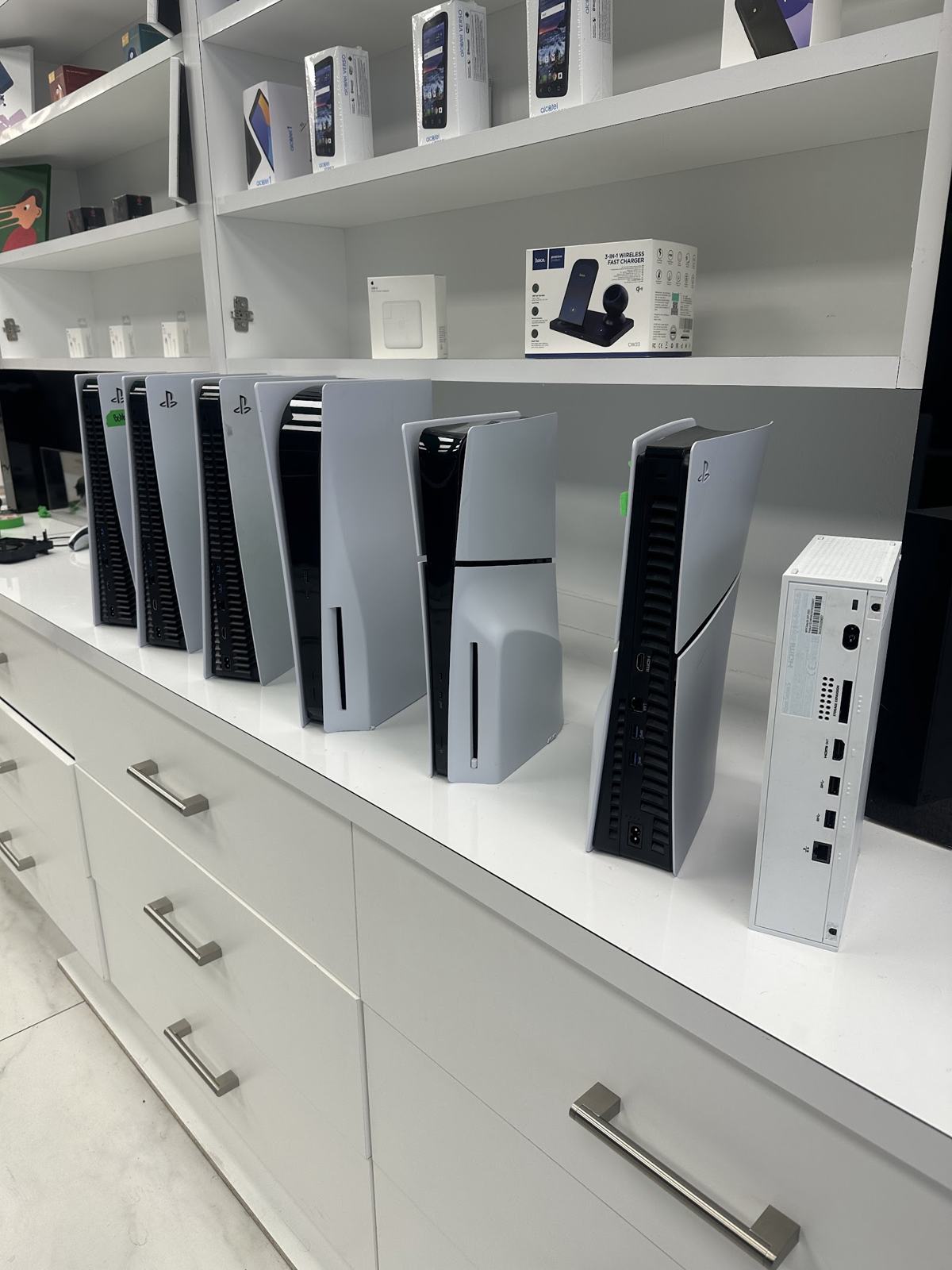
- Tablets, such as iPads.
For a device the calculator doesn't cover, call the store: we'll give you an idea of its value over the phone.
Where to trade in your old phone
Both stores offer trade-ins with no appointment, 7 days a week:
- Laval: 1112 Curé-Labelle Blvd., 514-660-4532
- Montreal: 5275 Queen Mary Road, Suite 101, near Snowdon metro, 514-467-0751
Does your device need a repair rather than a replacement? Our BuyCellFix workshop, in the same stores, offers a free diagnostic.
FAQ
Do I need an appointment?
No. Drop by any time during opening hours. The inspection takes under 5 minutes, and you can leave with your new device the same day.
Can I trade in a phone that's still financed?
A device whose financing isn't finished can be blocked by the carrier, which sharply cuts its value. Check with your carrier that the balance is paid before coming in. If in doubt, call us first and we'll tell you what to check.
Does trade-in credit expire?
The online estimate is honoured for 7 days. In store, the credit applies to the purchase made at the time of the trade-in.
What if my credit is more than the price of the device I pick?
Ask at the counter: we'll go over the options with you.
Is my data protected?
Yes, as long as you erase the device before handing it over: sign out of your accounts, then reset it to factory settings. We can walk you through each step at the counter.
Ready for a better phone? Estimate your trade-in credit in 30 seconds with our calculator, then browse the inventory to choose your next device.